
Estate agent photography
Taking property photos on a phone
A practical order of work for estate agents photographing a listing on a phone, then uploading the originals to ReHub.
ReHub Studio · Sat Nov 21 2026 00:00:00 GMT+0000 (Coordinated Universal Time) · 2 min read
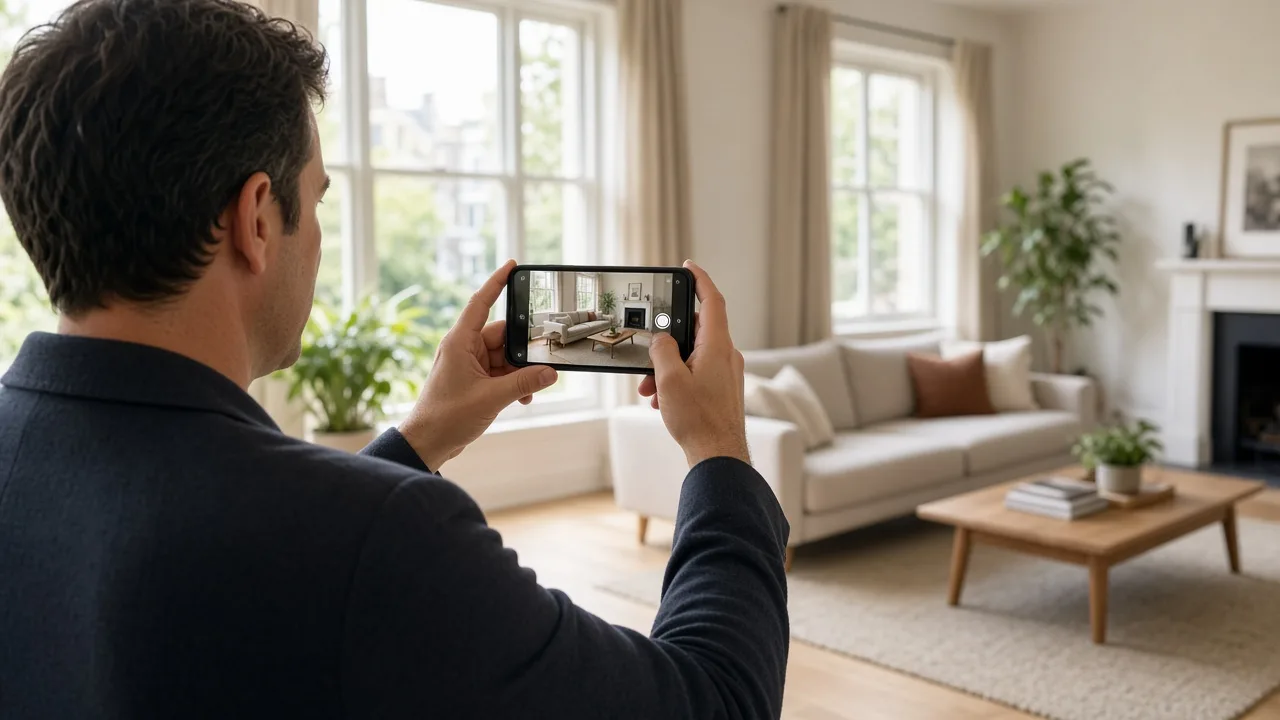
Estate agents can photograph a suitable listing on a phone by working through the property in a fixed order, keeping the phone level, and sending the original files into ReHub before they leave the workflow.
Shoot is built for that visit. It is a checklist and an upload path, not a promise that every home will look like a commissioned shoot.
Start with the property, not the camera roll
Create or select the listing in Shoot first. Photos taken or chosen after that stay with the property in MediaHub. If you mix two instructions in one session, the set becomes harder to sort later.
Cover the areas a buyer expects to see
The guide in Shoot is grouped by area:
- Front exterior, including enough of the elevation to show the approach
- Entrance and hallway
- Living room
- Kitchen
- Dining room
- Bedrooms
- Bathrooms
- Garden or other outdoor space
- Commercial space, when the instruction is not a home
- Other rooms that matter, such as a study, utility room or garage
You do not have to photograph every category in a studio. Skip an area that the property does not have, and mark the ones you have finished.
A few habits that make phone photos clearer
Hold the phone level so door frames and lampposts stay upright. Step back far enough on the front that the roofline is in frame. Inside, shoot from a doorway or a corner so at least two walls are visible, and turn lights on where the room would otherwise fall dark.
These are the same kinds of prompts the in-app tips give you. They will not correct a dark, cluttered room on their own. PhotoClear can remove clutter from a photograph after upload, and that processing uses credits.
Upload the originals, then decide on editing
Send the files from the phone into ReHub. You can watch the transfer and retry a file that failed. If you close Shoot, the upload pauses. The pending photos remain on the phone until you open the app and send them again.
Editing can start on site, or later from a desktop, in PhotoClear, Virtual Staging, HDR Photo, ImageMotion or PhotoEdit. Capture and upload do not use credits.
Where this sits with a professional shoot
A phone set is a reasonable choice for some listings. It is a poor substitute when the instruction needs specialist work. Keep booking that photography, and use Shoot for the visits where an in-house set is enough.
ReHub Studio also publishes a separate overview of Shoot for agents. Read it on ReHub rather than expecting a copy of it here: Take control of your property photography with Shoot.
The steps in the product are on how Shoot works.
Questions
Do I have to tidy the whole house before using Shoot?
The guide includes practical tips for each room. You can also declutter a photograph afterwards with PhotoClear, which uses ReHub credits when you run it. A phone set still benefits from obvious distractions being out of the way.
Can I add photos I took before opening Shoot?
Yes. Choose photographs already on the phone for the area you are working on, after you have selected the property.